Easy POS and Billing
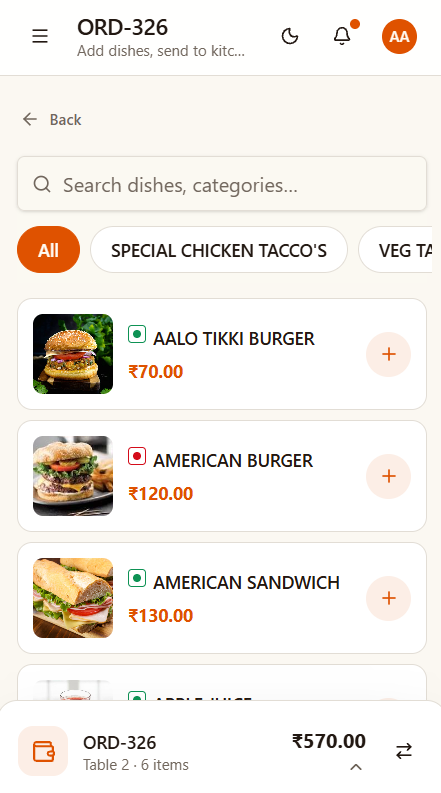
Create orders, manage items, calculate applicable taxes, and handle customer billing through an organized point-of-sale interface.
Product Features
Bring your daily restaurant operations together with a POS built around the way restaurants work.
Create orders, manage items, calculate applicable taxes, and handle customer billing through an organized point-of-sale interface.
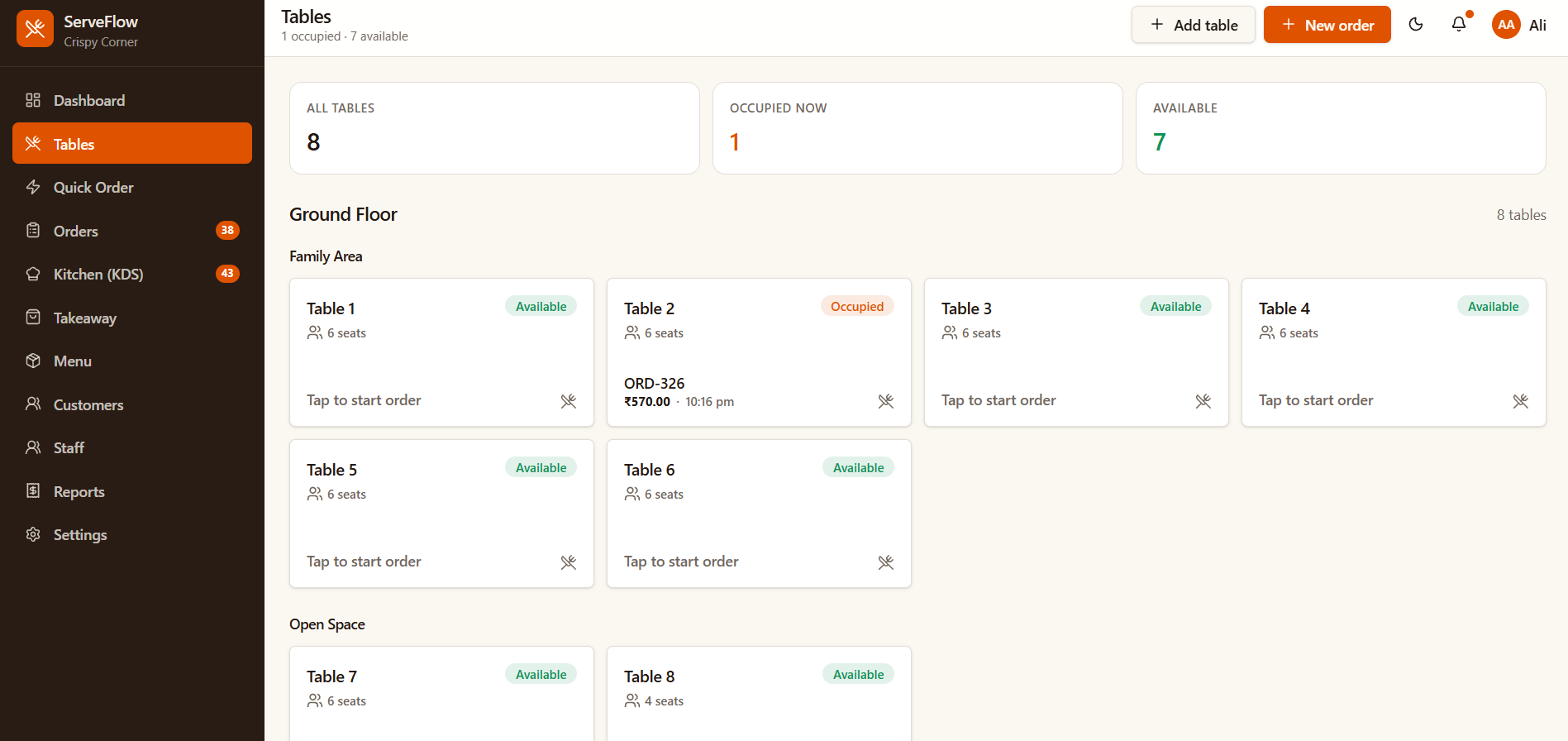
View table occupancy and manage dine-in orders with a clear overview of your restaurant floor.
Handle quick orders and takeaway transactions without mixing them into an unnecessarily complicated workflow.
Give kitchen staff a dedicated view of kitchen tickets, new orders, and preparation status.
Organize kitchen order tickets so the kitchen can follow incoming orders more clearly.
Maintain menu items, prices, categories, food types, and availability in one place.
Review sales summaries and order information to understand your restaurant's daily activity.
Configure restaurant details, applicable tax settings, receipt information, and operational preferences.
Growing restaurant businesses can manage more than one outlet, subject to the supported product configuration and subscription plan.
Inside the Product
Screens shown are from the actual ServeFlow POS application.
Book a demo and our team will walk you through ordering, billing, and kitchen workflows for your restaurant.